Frequently Asked Questions
Find answers to common questions and issues below.
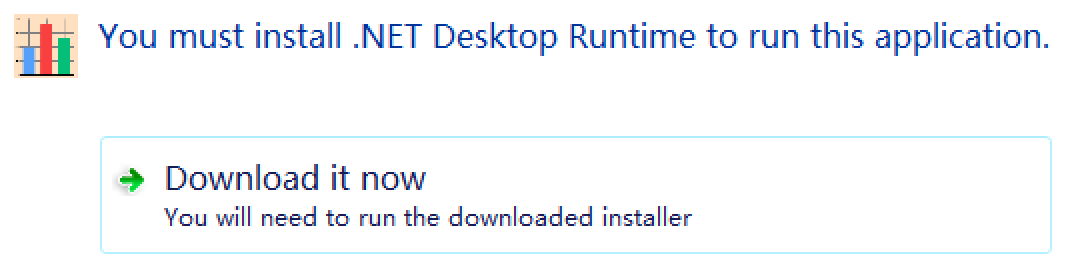
Why do I get a "You must install .NET Desktop Runtime" message when opening the software?
DataSynth Pro is built on the robust .NET 8.0 framework for maximum performance and precision. If your Windows system doesn't have this prerequisite installed, you will see this prompt. Simply click the "Download it now" button in the prompt window, follow the Microsoft installer instructions, and relaunch DataSynth Pro.
How do I find my Machine Code?
Your Machine Code is uniquely tied to your computer. Once you launch the application, you can easily locate it by navigating to the "Help" menu at the top and selecting "Register". The code will be displayed clearly in the registration window, where you can easily copy it to generate your license key.
Can I use the software offline?
Yes, absolutely. DataSynth Pro is designed to operate 100% offline. We prioritize your data privacy, so there is no data telemetry or background internet requirement. You can safely generate sensitive clinical or financial structures directly on your local machine.